

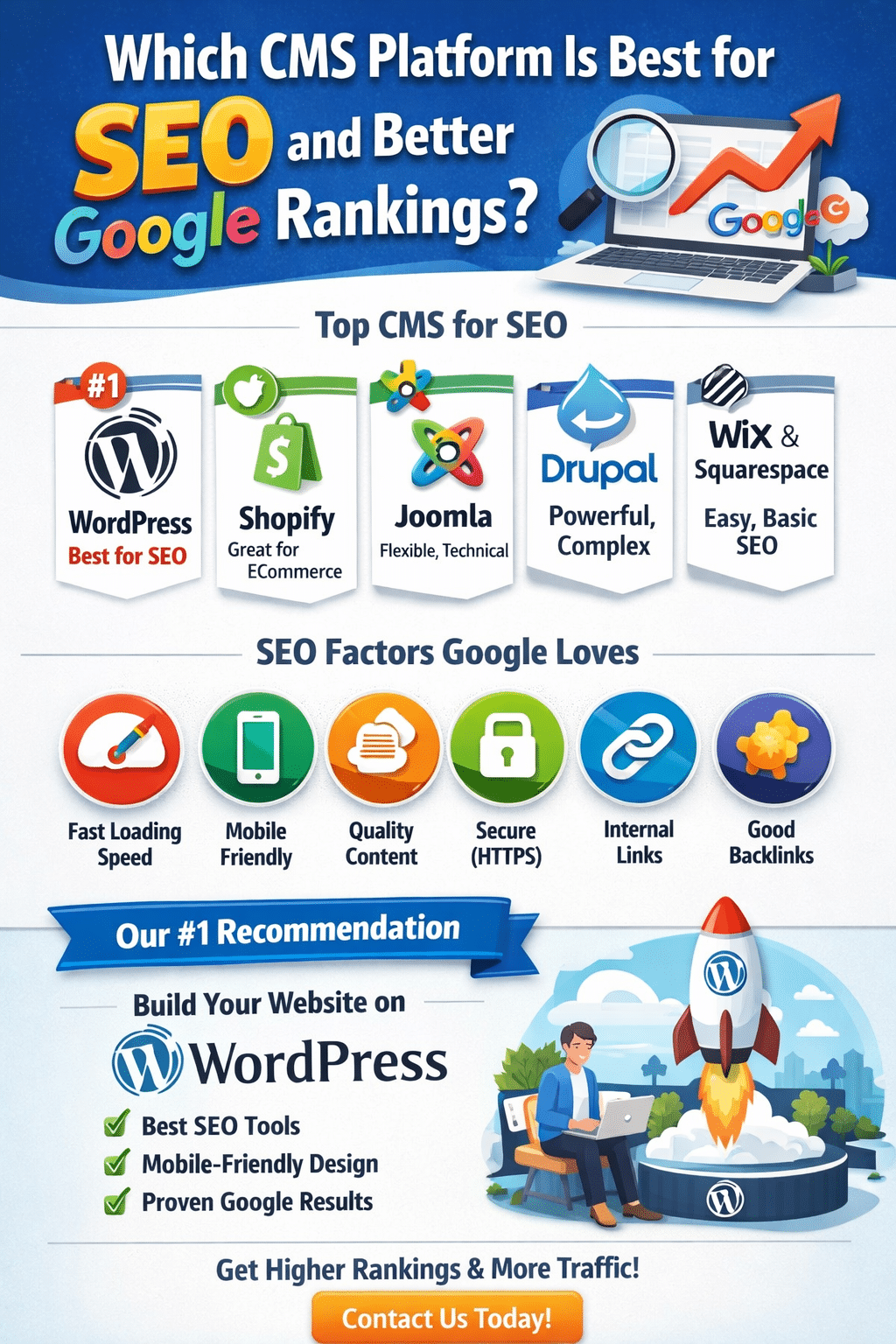
Choosing the right CMS (Content Management System) is one of the most important decisions when creating a website. A good CMS helps search engines understand your website better, improves page speed, and makes SEO tasks easier. While Google does not rank websites based on CMS alone, the right platform gives you a strong SEO advantage.
In this blog, we’ll explain which CMS is best for SEO, why it matters, and where you should create your website for better Google rankings.
Why CMS Matters for SEO
Your CMS affects many critical SEO factors, such as:
- Website loading speed
- Mobile responsiveness
- URL structure
- Meta titles and descriptions
- Content management
- Image optimization
- Schema markup
- Security (HTTPS)
A well-optimized CMS makes it easier to follow Google’s SEO best practices.
Best CMS Platforms for SEO
1. WordPress – The Best CMS for SEO
WordPress is the most SEO-friendly CMS in the world. Over 40% of websites use WordPress, including many top-ranking Google sites.
Why WordPress is best for SEO:
- SEO plugins like Yoast SEO and Rank Math
- Full control over meta titles, descriptions, and URLs
- Easy content optimization
- Fast performance with caching plugins
- Mobile-friendly themes
- Supports schema markup and breadcrumbs
- Regular updates and strong security
Best for:
Business websites, blogs, service websites, portfolios, and eCommerce
👉 Recommended choice for long-term SEO success
2. Shopify – Best for eCommerce SEO
Shopify is a strong CMS for online stores and product-based businesses.
SEO advantages:
- Fast and secure hosting
- Built-in SEO features
- Automatically generated sitemaps
- Good product schema support
Limitations:
- Limited URL customization
- Advanced SEO requires paid apps
Best for:
Online stores and eCommerce websites
3. Joomla – Moderate SEO Control
Joomla offers good SEO features but requires technical knowledge.
Pros:
- Customizable SEO settings
- Flexible content structure
Cons:
- Fewer SEO plugins than WordPress
- Not beginner-friendly
Best for:
Developers and advanced users
4. Drupal – Powerful but Complex
Drupal is highly scalable and secure but not easy to manage.
Pros:
- Excellent performance
- Advanced SEO capabilities
Cons:
- Requires developer expertise
- Not suitable for small businesses
Best for:
Large enterprise websites
5. Wix & Squarespace – Basic SEO Support
These platforms are easy to use but limited in SEO flexibility.
Pros:
- Simple setup
- Basic SEO tools included
Cons:
- Limited control over technical SEO
- Not ideal for competitive keywords
Best for:
Small websites with low SEO competition
Where Should You Create Your Website for Better SEO?
For the best SEO results, your website should be built on:
✔ WordPress CMS
✔ Fast, reliable hosting
✔ Mobile-responsive theme
✔ SEO-optimized structure
WordPress combined with good hosting and proper SEO strategy delivers the best Google ranking potential.
SEO Factors Google Really Cares About
No matter which CMS you choose, Google focuses on:
- High-quality, original content
- Page speed and performance
- Mobile usability
- User experience (UX)
- Secure website (HTTPS)
- Internal linking
- Backlinks from trusted websites
WordPress helps you optimize all these factors easily.
Final Verdict: Best CMS for SEO
🏆 WordPress is the best CMS for SEO and Google rankings.
It offers unmatched flexibility, powerful SEO tools, and long-term scalability for any type of website.
If you want better visibility, higher rankings, and more organic traffic, WordPress is the smartest choice.
Need Help with SEO or Website Development?
If you’re planning to create a SEO-friendly website, professional setup and optimization make a big difference.
📞 Contact us today to build a website that ranks higher on Google and converts visitors into customers.
About the Author
Rajeev is a digital marketing professional with extensive experience in SEO, website development, and online growth strategies. He specializes in helping businesses improve their Google rankings through SEO-friendly CMS platforms, content optimization, and performance-driven digital solutions. With a strong focus on results, Rajeev works closely with clients to build websites that are fast, secure, and search-engine optimized.
📧 Email: rajeev@rajeevpal.com
📞 Mobile: +91 9457971611
WordPress is the best CMS for SEO because it offers full control over on-page SEO, fast performance, mobile-friendly themes, and powerful SEO plugins like Yoast SEO and Rank Math.
No, Google does not rank websites based on the CMS itself. Rankings depend on content quality, page speed, mobile usability, backlinks, and user experience. However, a good CMS like WordPress makes SEO implementation easier.
Yes, WordPress is better than Wix for SEO because it provides advanced SEO customization, better control over URLs, schema, and technical SEO elements.
Shopify is one of the best CMS platforms for eCommerce SEO. However, WordPress with WooCommerce offers more flexibility and advanced SEO control for online stores.
Yes, a new website can rank on Google using WordPress if it follows proper SEO practices such as keyword-optimized content, fast loading speed, mobile responsiveness, and quality backlinks.
Yes, hosting plays a major role in SEO. Fast, secure, and reliable hosting improves website speed, uptime, and user experience, which helps in better Google rankings.
No, SEO plugins do not guarantee rankings. They help optimize your website correctly, but high-quality content, backlinks, and user engagement are essential for top rankings.
WordPress is the best CMS for beginners because it is easy to use, SEO-friendly, and supported by a large community and plugins.
SEO usually takes 3 to 6 months to show noticeable results, depending on competition, content quality, and SEO strategy.
You can start SEO yourself using WordPress tools, but hiring an SEO expert helps achieve faster and more consistent results, especially in competitive industries.